Tough Solar®
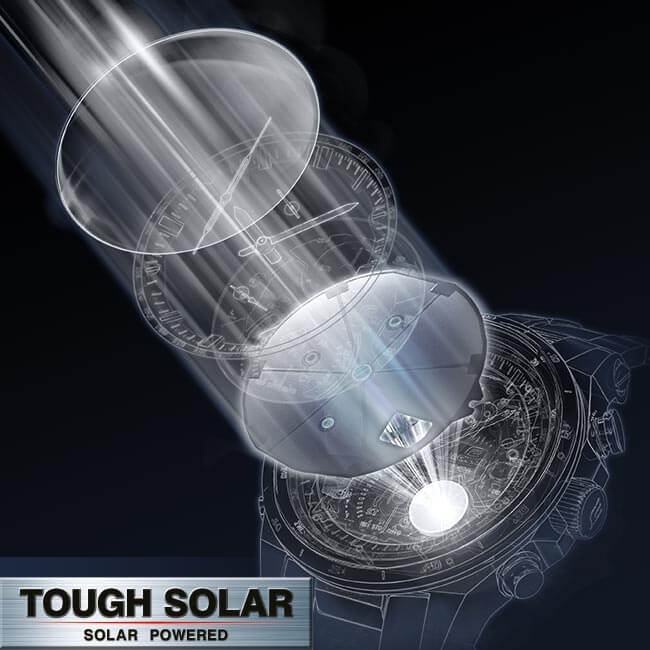
The integrated solar technology TOUGH SOLAR® puts the finishing touch to intelligent EDIFICE watches: As an independent and environmentally friendly feature, EDIFICE TOUGH SOLAR® watches are equipped with an inconspicuous solar cell on the face that stores energy from sunlight to back up the watch's power supply. Excess solar energy is stored in a rechargeable battery, providing a power reserve of up to 24 months and eliminating the need to replace batteries.


 ECB-2000DD-1AEF
  ECB-2000DC-1BEF
 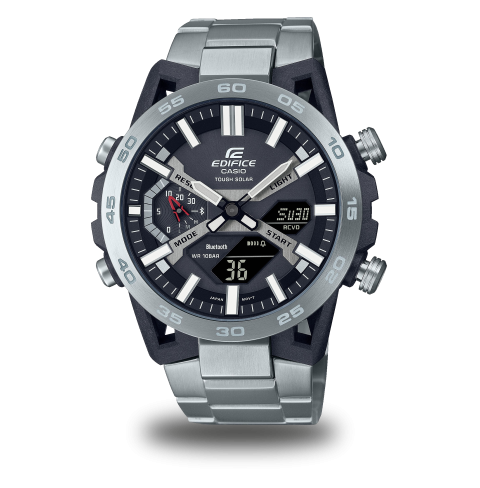 ECB-2000D-1AEF
 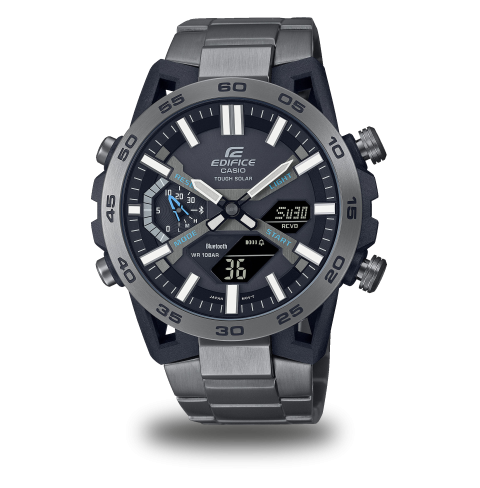 ECB-2000DC-1AEF
  ECB-2000PB-1AEF
  ECB-2200DC-1AEF
  ECB-2200DD-1AEF
  ECB-2200P-1AEF
 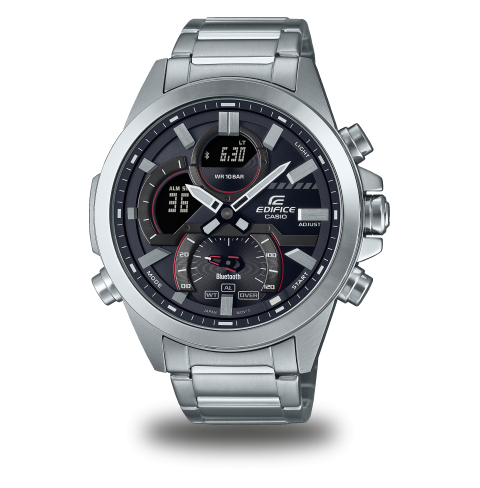 ECB-30D-1AEF
 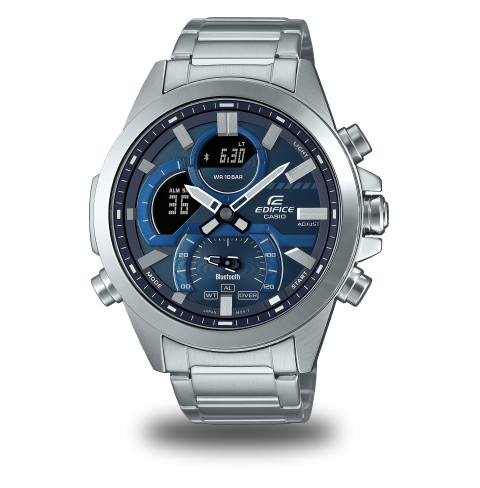 ECB-30D-2AEF
 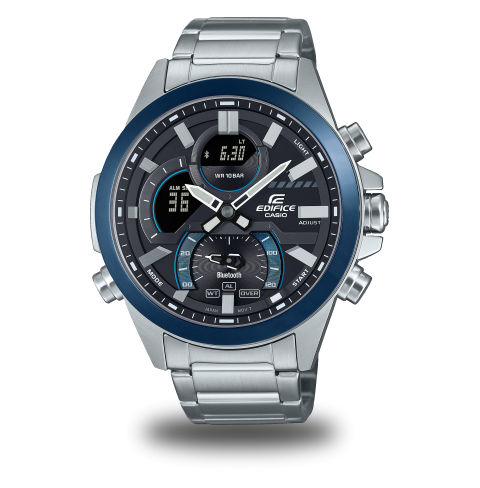 ECB-30DB-1AEF
 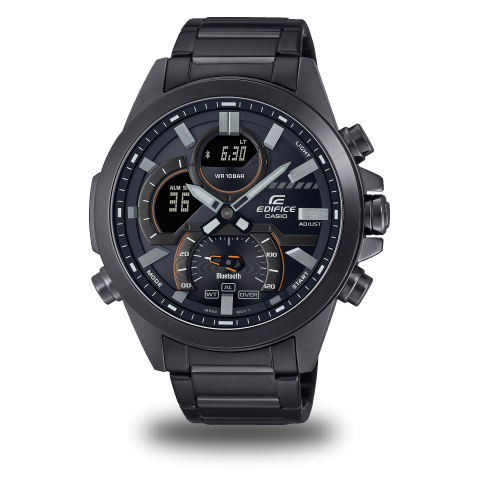 ECB-30DC-1AEF
 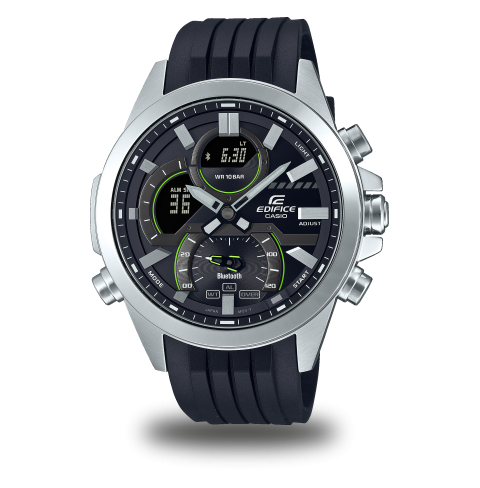 ECB-30P-1AEF
  ECB-40DC-1AEF
  ECB-40MP-1AEF
  ECB-40P-1AEF
  ECB-40PB-1AEF
 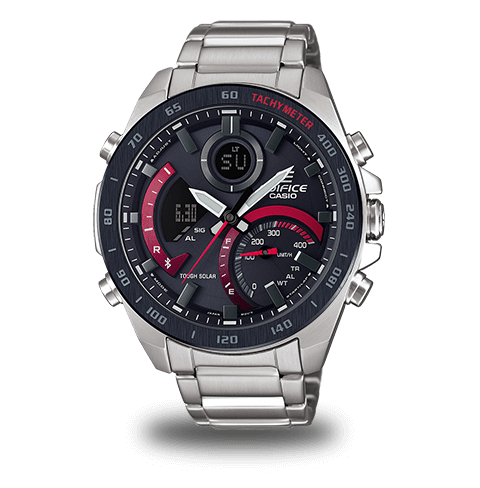 ECB-900DB-1AER
 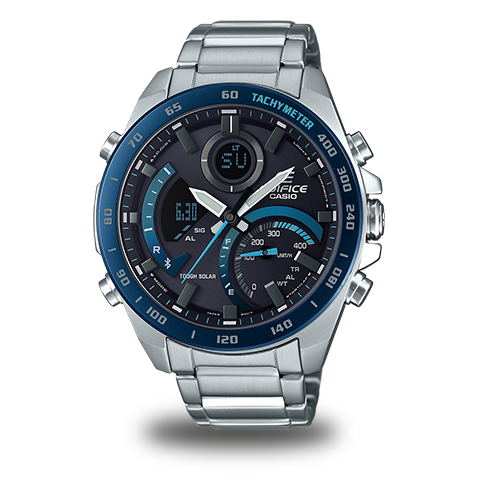 ECB-900DB-1BER
  ECB-900MP-1AEF
  ECB-950DB-1AEF
  ECB-950DB-2AEF
  ECB-950DC-1AEF
  ECB-950MP-1AEF
  EQB-1100D-1AER
 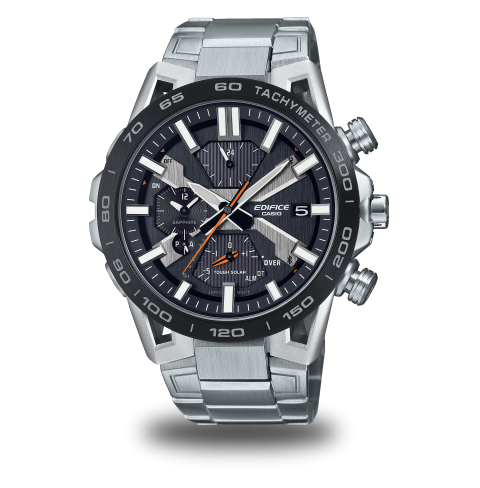 EQB-2000DB-1AER
  EQB-2000DC-1AER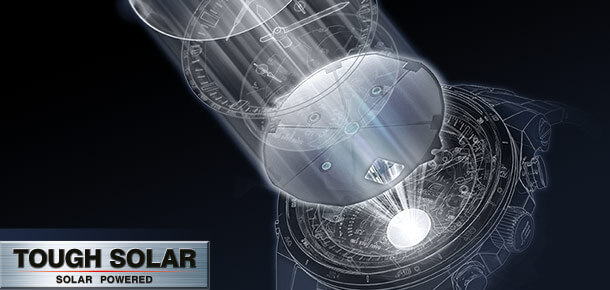
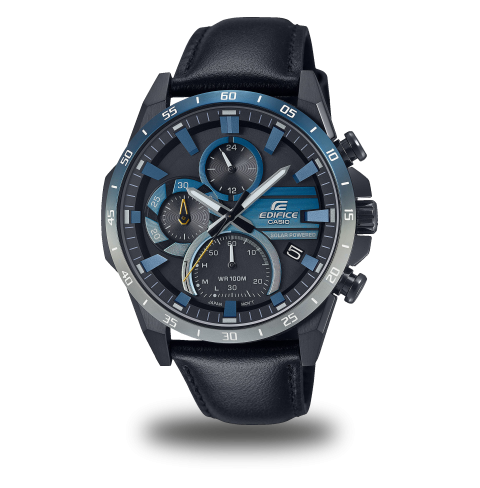 EQS-940NL-1AVUEF
 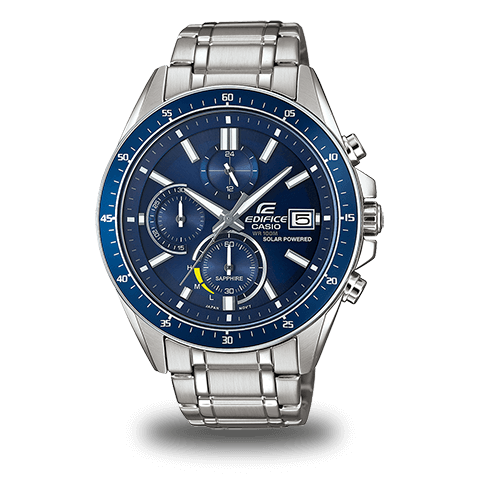 EFS-S510D-2AVUEF
  EFS-S540DB-1AUEF
  EFS-S580DB-1AVUEF
  EFS-S620BL-1AVUEF
  EFS-S620DB-1AVUEF
  EFS-S620DB-1BVUEF
  EFS-S630BL-5AVUEF
  EFS-S630D-1AVUEF
  EFS-S630DC-2AVUEF